Split a PDF book into chapters.
Even when it has no bookmarks.
Paste the book's table of contents, tell the program where page 1 starts, and get one clean PDF per chapter. Everything runs offline on your computer.
Get PDF BOOK Split See features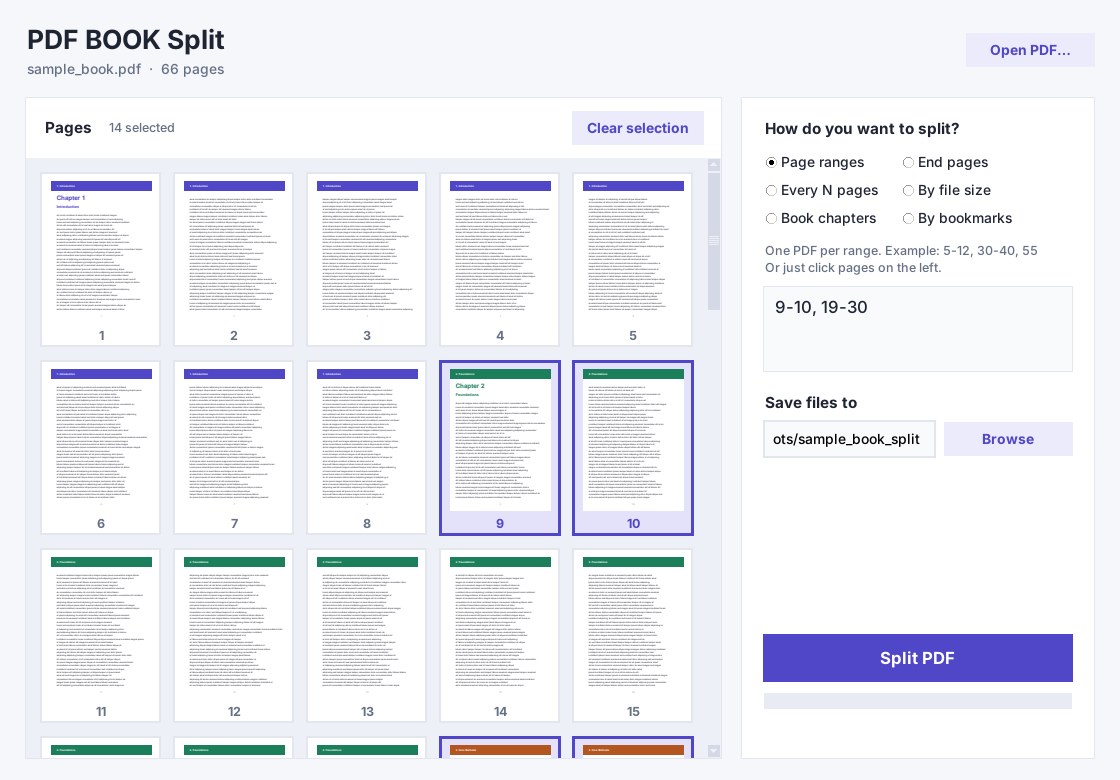
Six ways to split
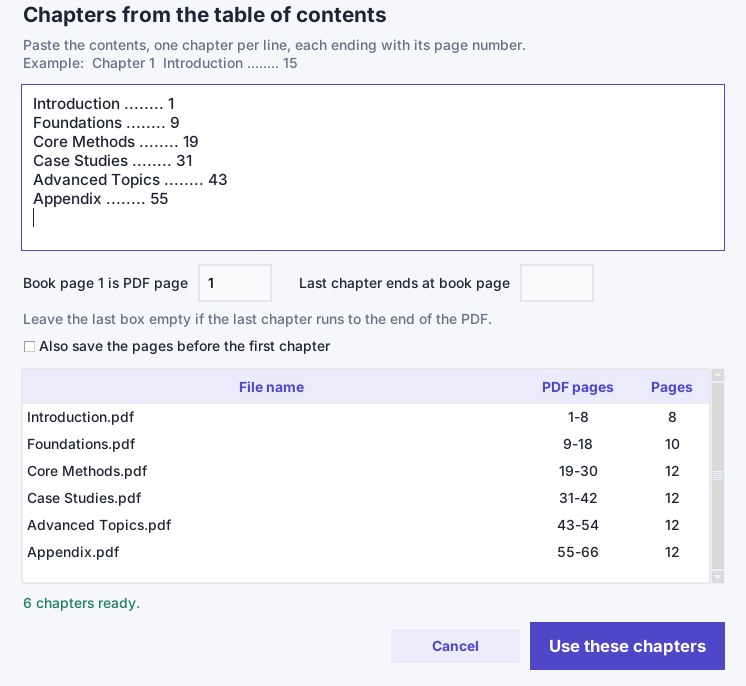
Book chapters
Paste the printed table of contents and set "book page 1 is PDF page N". The program maps printed page numbers to PDF pages for you.
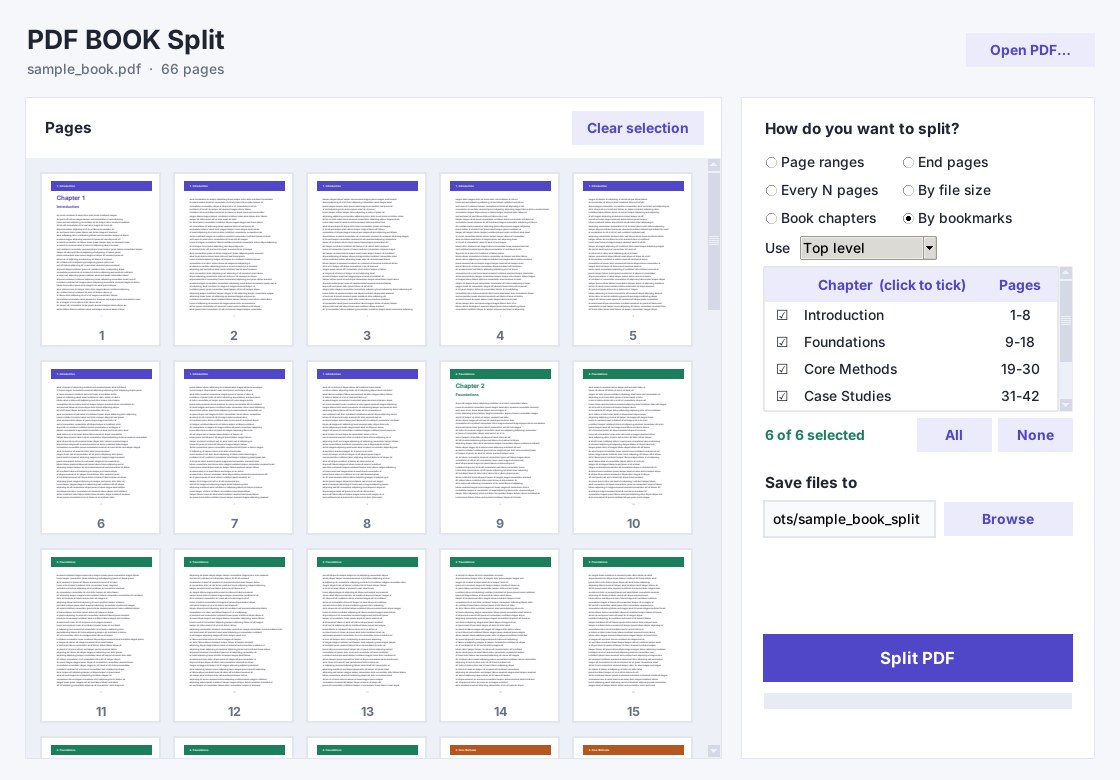
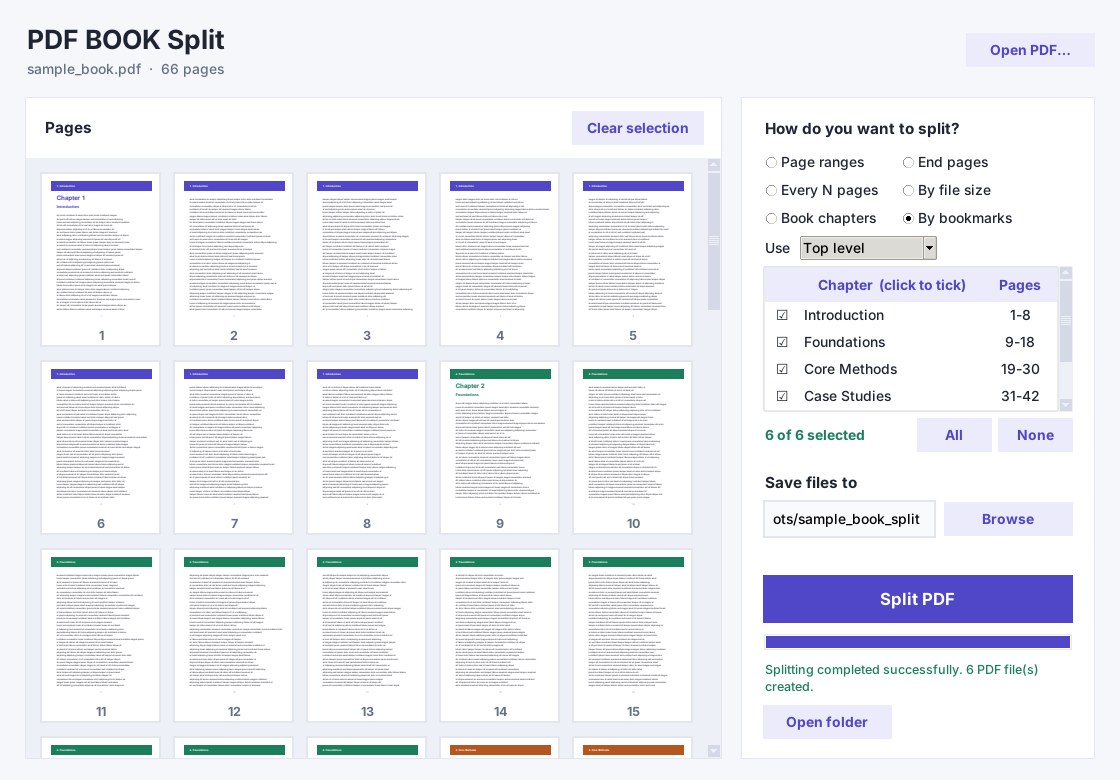
By bookmarks
Read the PDF's own outline, tick the chapters you want, and split only those.
Page ranges
Type ranges like 5-12, 30-40, 55, or click page thumbnails to fill them in.
End pages
Give only the last page of each part, for example 20, 50.
Every N pages
Cut the document into equal parts.
By file size
Set a maximum size in MB per file, for email limits or upload limits.
Built for real books
Fast and light
Opens big books instantly. Tested on a 1000-page, 218 MB book: opened in under a second and split into 5 files in about a second.
Keeps bookmarks
Bookmarks are copied into each output file. Output files are named like "01 Chapter name.pdf".
Arabic friendly
Accepts Arabic-Indic and Persian digits everywhere, so you can paste a contents page from an Arabic book as it is.
Private by design
No upload, no account, no cloud. Your books stay on your computer.
Drag and drop
Drop a PDF on the window, preview pages, and press Ctrl+Enter to split.
See it at work
Questions
Does it need bookmarks in the PDF?
No. Bookmarks mode uses them, but Book chapters mode works from a pasted table of contents, so scanned or downloaded books without bookmarks work too.
Do my files get uploaded anywhere?
No. Splitting happens entirely on your computer.
Can it read the contents page automatically?
Not at the moment. You paste the contents text yourself. This is the reliable method for books whose text cannot be extracted, which is common with Arabic PDFs.
Will Windows show a warning when I run it?
The program is not code-signed yet, so Windows SmartScreen may show "Windows protected your PC". Choose "More info", then "Run anyway".
Which Windows versions are supported?
Windows 10 and Windows 11, 64-bit.
Guides
Split a PDF into chapters without bookmarks
The page-offset problem explained, with a worked example.
How to split a PDF by chapters
Three ways: bookmarks, printed contents, or page ranges.
تقسيم كتاب PDF إلى فصول
الدليل بالعربية.